NO EXIT OASIS ( 2020-21)
VR (Mozilla) Hub / Web-based Audiovisual Environment.
(Mozilla Hub closed down and thus the work is no longer online.)
![]()
VR (Mozilla) Hub / Web-based Audiovisual Environment.
(Mozilla Hub closed down and thus the work is no longer online.)

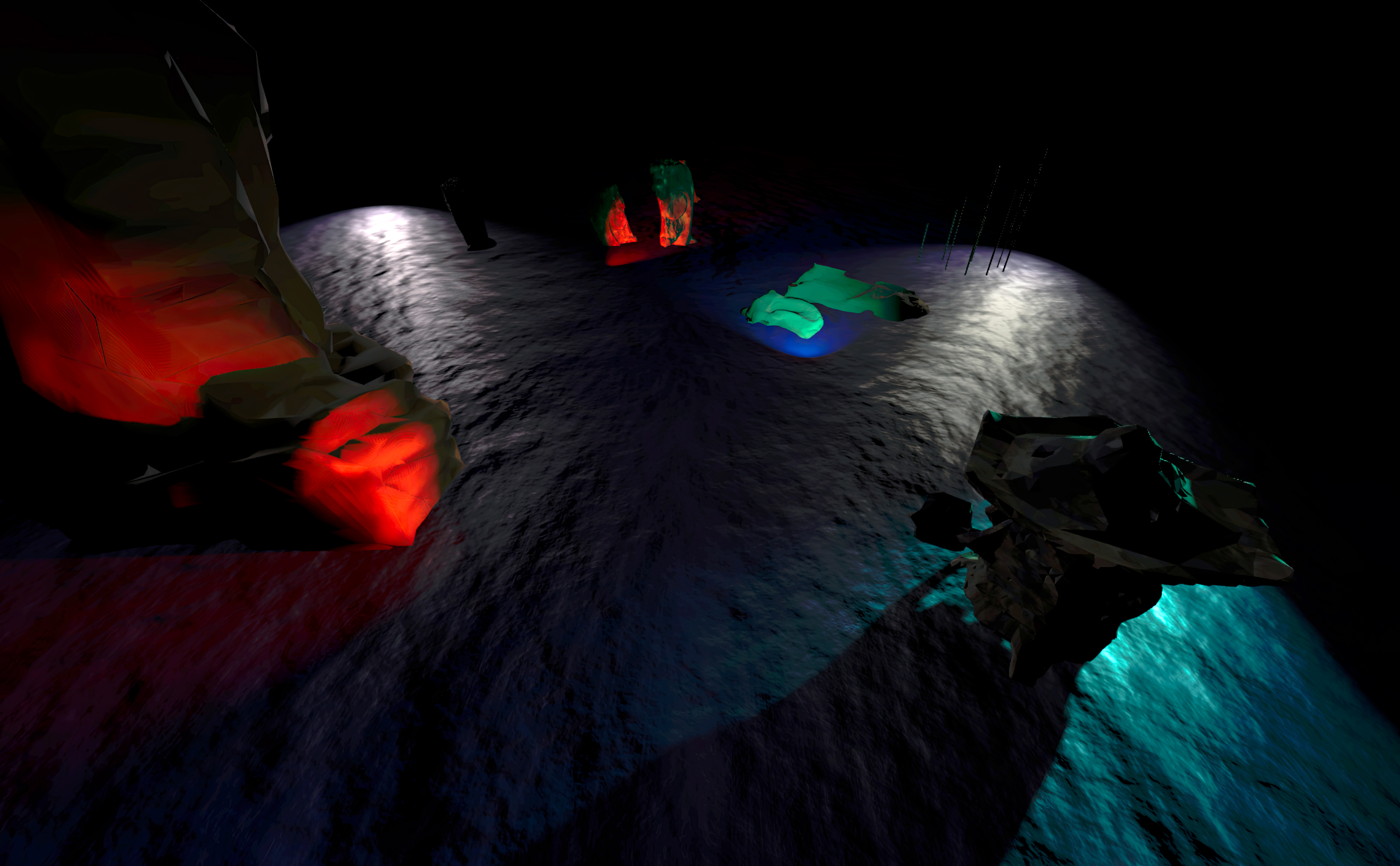
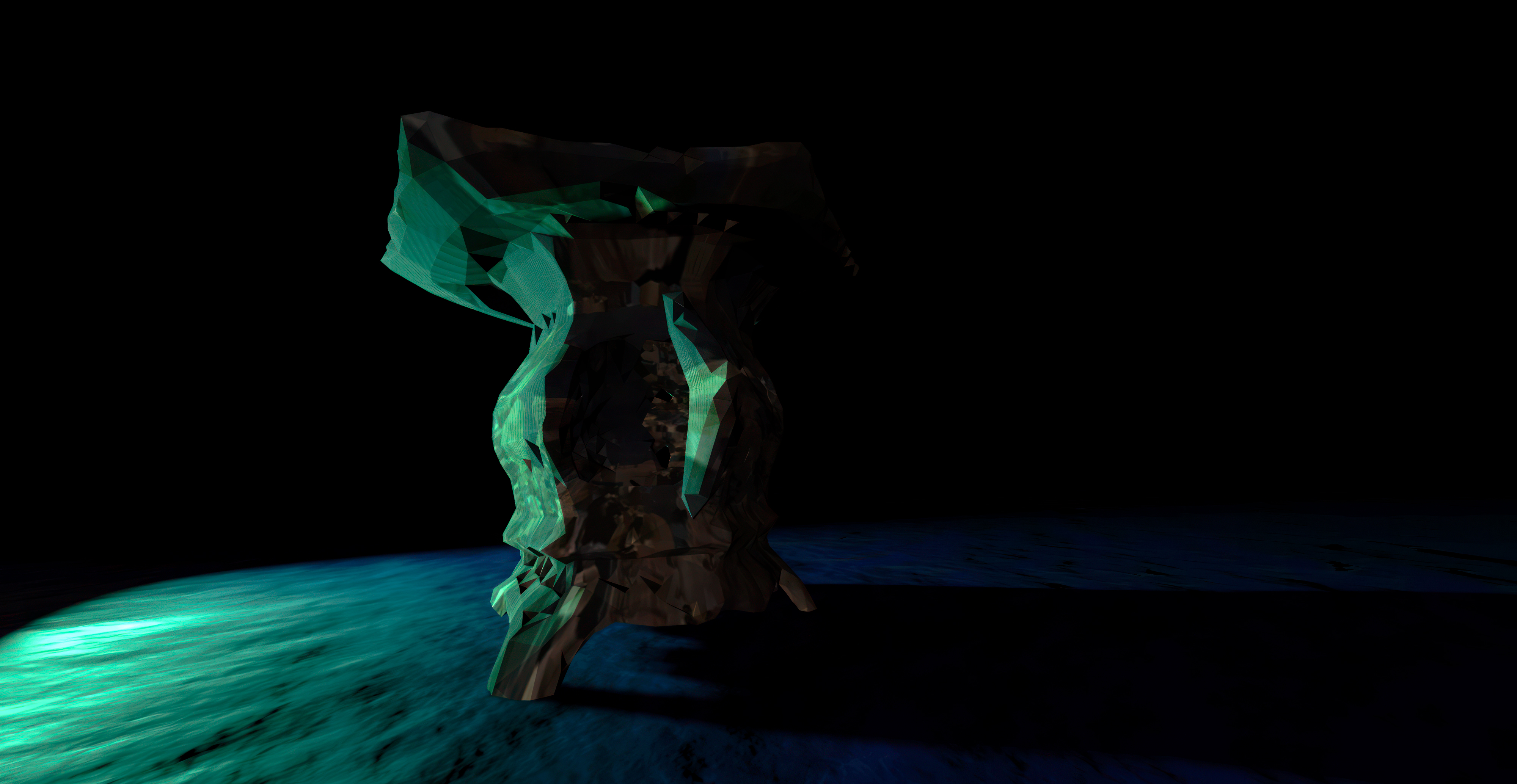
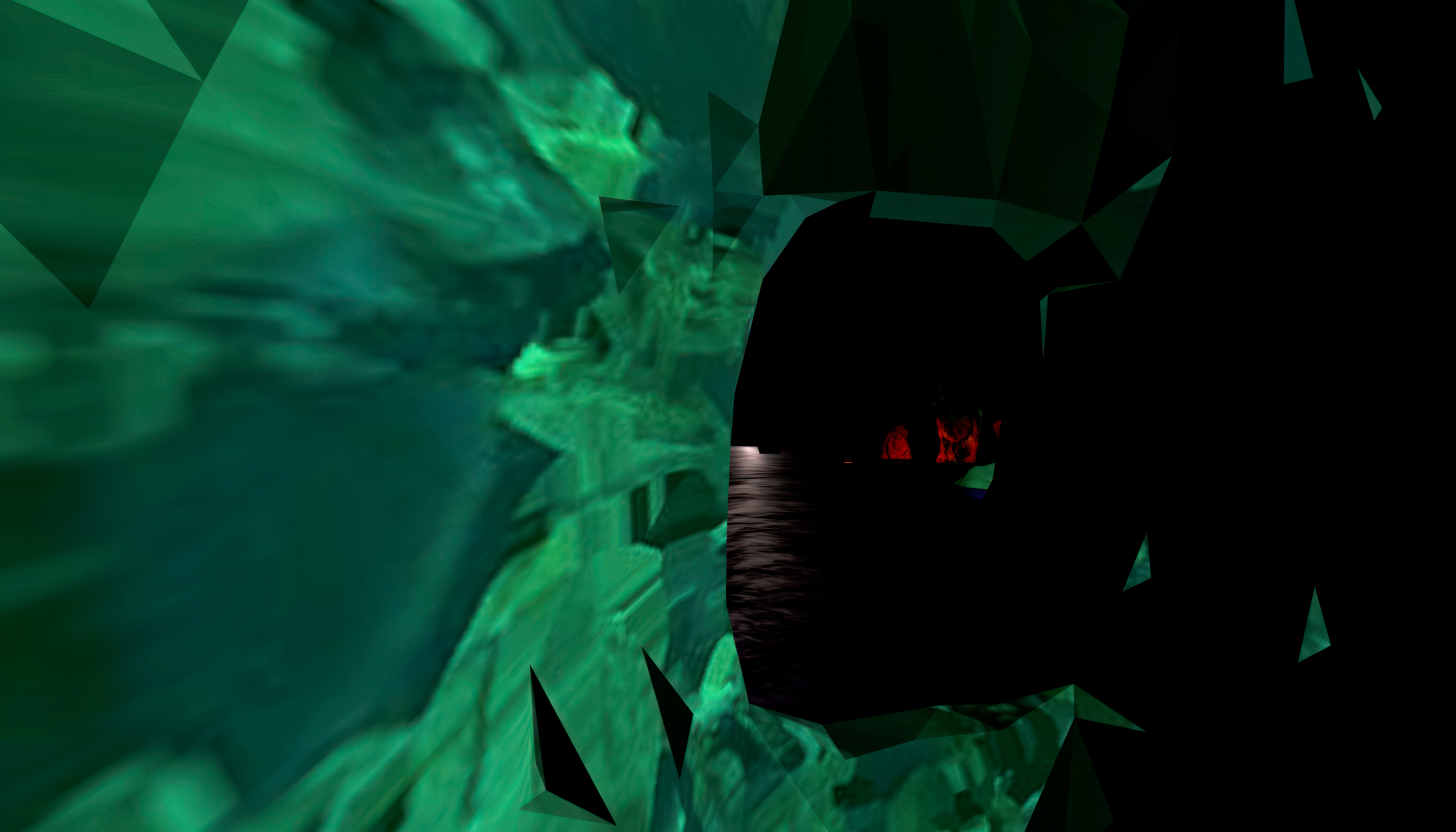
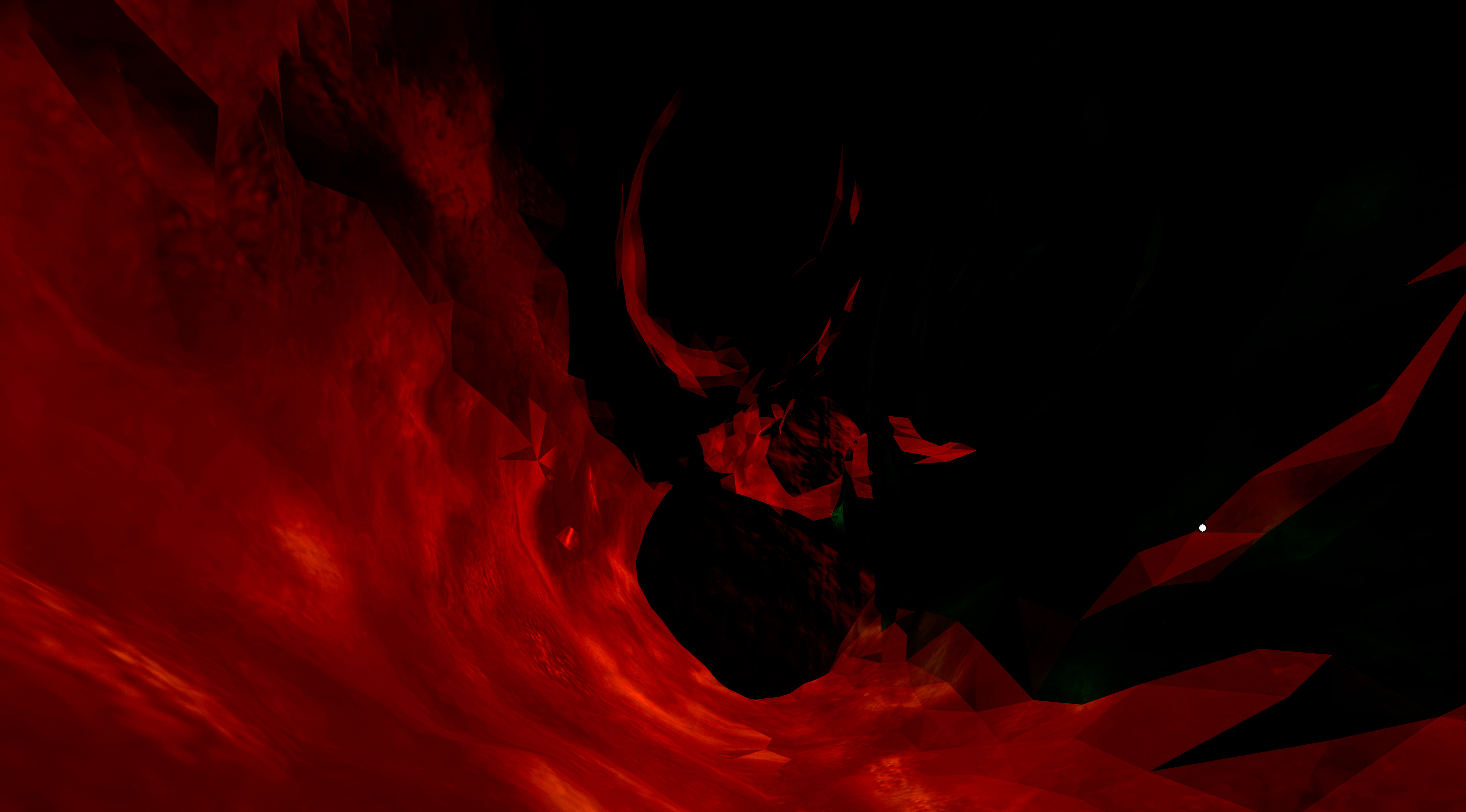
No Exit Oasis is (was) an online, audiovisual VR environment, set in an open landscape within a black void of a space. A kind of flooded, haunted sculpture garden, at architectural scale, with visitors free to explore at will. Users can pass through objects, discovering hidden interior spaces.
Moving though the environment, sound is dynamically changing - rythmical patterns, strange noises and sonic fields appear and disappear and remix according to visitors positions.
No Exit Oasis is partially a reflection on the period of personal confinement during the 2020/21 pandemic. As such, the work acted as both a space for escape as well as mirroring a shrunken world, in which most movement and tangible human exchange turned virtual.
(“Fly-mode” is active upon entering - The scale of the space is quite large - Use shift key in combination with W, A, D, S navigation keys to accelerate your avatar’s speed - Q & R keys rotate your avatar’s view field left and right. Use tilde key to hide bottom menu bar.)
Screenshots & Video Excerpt:
© Kurt Hentschläger
Moving though the environment, sound is dynamically changing - rythmical patterns, strange noises and sonic fields appear and disappear and remix according to visitors positions.
No Exit Oasis is partially a reflection on the period of personal confinement during the 2020/21 pandemic. As such, the work acted as both a space for escape as well as mirroring a shrunken world, in which most movement and tangible human exchange turned virtual.
(“Fly-mode” is active upon entering - The scale of the space is quite large - Use shift key in combination with W, A, D, S navigation keys to accelerate your avatar’s speed - Q & R keys rotate your avatar’s view field left and right. Use tilde key to hide bottom menu bar.)
Screenshots & Video Excerpt:
© Kurt Hentschläger